
How to Build a Coworking Management App with AI Tools
AI app builders make it much easier to create software without hiring a developer.
Today, a coworking operator can open a tool like Lovable, Base44, Bolt or Cursor, describe an idea in plain English, and get a working prototype.
For a coworking space, that sounds useful.
You might want a simple app to manage members, desk bookings, meeting rooms, check-ins, payments, invoices, or door access. And for some parts of the business, building your own internal tool can make sense.
But coworking software is not just a dashboard.
It touches real operations: who can book a room, who has an active membership, who paid, who failed payment, who can enter the building, and what happens when something breaks.
This guide explains how to build a simple coworking management app with AI tools, what features to start with, what database structure you need, and which parts you should be very careful with before using it in a real space.
What should a coworking management app actually do?
Before opening an AI builder, define what the app needs to manage.
A very simple coworking app might include:
- Members
- Membership plans
- Hot desk bookings
- Meeting room bookings
- Manual check-ins
- Basic payments tracking
- Basic reports
- Staff login
A more advanced coworking app might include:
- Recurring memberships
- Online card payments
- Failed payment handling
- Automatic invoices
- Room credits
- Discounts
- Member portal
- Door access
- Access logs
- Multi-location support
- Staff permissions
- Webhooks
- API integrations
This is where many operators underestimate the project.
The first version looks simple. Then real-life rules appear.
A member wants to freeze their plan. Another member paid by bank transfer but is not active yet. A meeting room booking uses credits. A staff member needs to override a booking. A plan allows weekdays only. Someone cancels, but their door code still works.
A coworking app is not only a CRUD app. It is a rules system for your space.
Start with the safest version
The best first version is not a full member app. It is an internal admin tool.
Build this first:
- Admin login
- Staff login
- Member database
- Membership plans
- Resource list
- Manual bookings
- Manual check-ins
- Basic reports
Avoid these in version one:
- Online payments
- Recurring billing
- Automatic invoices
- Door access
- Public member portal
- Complex permissions
- Automatic plan renewals
- Tax logic
This lets you test your real workflow without risking money, access, or private member data.
For example, if you only need to track members and their status, start with a simple take on member management. If you need to manage meeting rooms, start with manual admin-created bookings before opening self-service booking to members.
Recommended tech stack for a simple AI-built coworking app
You do not need to start with a complex stack.

A practical AI-built coworking app could use:
| Layer | Simple option | More serious option |
|---|---|---|
| App builder | Lovable, Base44, Bolt | Cursor with a real codebase |
| Database | Built-in database / Airtable | Supabase / PostgreSQL |
| Auth | Built-in login | Supabase Auth / Clerk |
| File storage | Built-in storage | Supabase Storage / S3 |
| Payments | Avoid in v1 | Stripe / PayPal |
| Emails | Manual | Resend / Postmark |
| Automations | Make / Zapier | Webhooks + server functions |
| Hosting | Builder hosting | Vercel / Netlify |
If you use Supabase, learn about Row Level Security early. A coworking app usually stores private member data, so you need to control which users can see which rows.
If you use Stripe later, read the official docs on webhooks and idempotent requests. Payment systems often depend on events arriving correctly, sometimes more than once.
Suggested database structure
This is a simple starting point. You can give this structure to an AI app builder as part of your prompt.
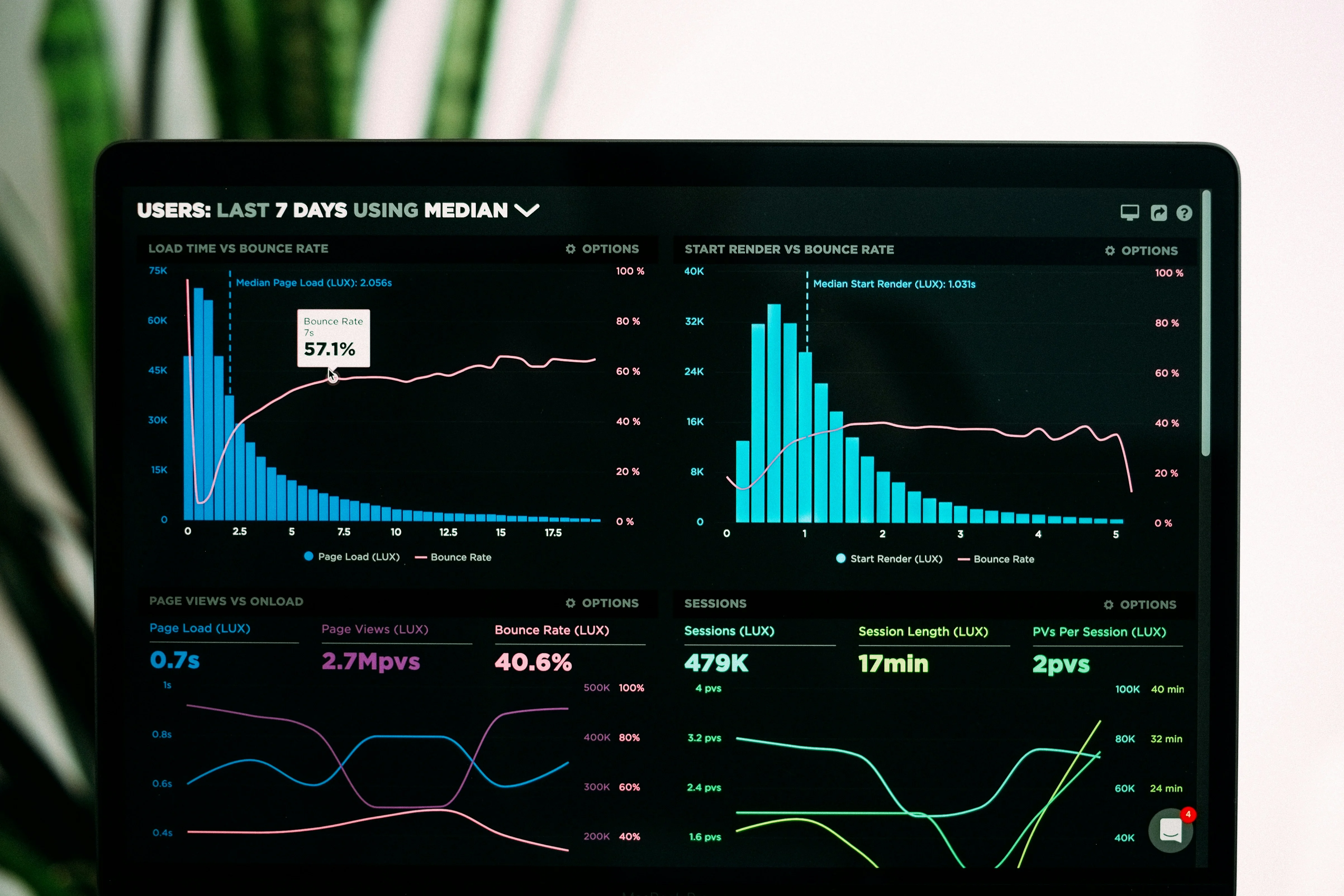
Members table
| Field | Type | Notes |
|---|---|---|
| id | UUID | Primary key |
| full_name | Text | Member name |
| Text | Unique if used for login | |
| phone | Text | Optional |
| status | Text | active, expired, frozen, banned |
| plan_id | UUID | Current plan |
| start_date | Date | Current membership start |
| end_date | Date | Current membership end |
| notes | Text | Internal staff notes |
| created_at | Timestamp | Created date |
Plans table
| Field | Type | Notes |
|---|---|---|
| id | UUID | Primary key |
| name | Text | Example: Monthly Unlimited |
| price | Number | Plan price |
| duration_days | Number | Example: 30 |
| included_room_hours | Number | Optional |
| desk_access_type | Text | unlimited, limited, fixed, none |
| is_recurring | Boolean | Do not automate at first |
| active | Boolean | Whether plan is sold |
Resources table
| Field | Type | Notes |
|---|---|---|
| id | UUID | Primary key |
| name | Text | Example: Meeting Room A |
| type | Text | desk, room, office, booth |
| capacity | Number | Number of people |
| bookable | Boolean | Can be booked or not |
| price_per_hour | Number | Optional |
| active | Boolean | Hide old resources |
Bookings table
| Field | Type | Notes |
|---|---|---|
| id | UUID | Primary key |
| member_id | UUID | Who booked |
| resource_id | UUID | What was booked |
| start_time | Timestamp | Booking start |
| end_time | Timestamp | Booking end |
| status | Text | confirmed, cancelled, no_show |
| created_by | UUID | Admin/staff/member |
| notes | Text | Optional |
Check-ins table
| Field | Type | Notes |
|---|---|---|
| id | UUID | Primary key |
| member_id | UUID | Member |
| check_in_time | Timestamp | Entry time |
| check_out_time | Timestamp | Optional |
| source | Text | manual, QR, door, staff |
| staff_id | UUID | Who checked them in |
Payments table
| Field | Type | Notes |
|---|---|---|
| id | UUID | Primary key |
| member_id | UUID | Member |
| amount | Number | Amount paid |
| currency | Text | USD, EUR, PHP, etc. |
| status | Text | pending, paid, failed, refunded |
| method | Text | cash, bank, card, PayPal |
| external_payment_id | Text | Stripe/PayPal ID later |
| paid_at | Timestamp | When paid |
Staff users table
| Field | Type | Notes |
|---|---|---|
| id | UUID | Primary key |
| name | Text | Staff name |
| Text | Login email | |
| role | Text | owner, manager, staff |
| active | Boolean | Can log in |
This is enough for a first internal tool.
Do not add every possible feature at the start. Good coworking software gets complicated because all these tables affect each other.
For example, a booking may depend on the member's plan, the plan's credits, the room's availability, the member's payment status, and the staff permission level.
Copy-paste prompt for an AI app builder
Use this as a starting prompt in Lovable, Base44, Bolt, or another AI app builder.
Build a simple internal coworking space management app.

The app is for staff only. Do not create a public member portal yet.

Users:
- Owner
- Staff

Core features:
- Owner and staff can log in
- Owner can create staff users
- Staff can create and edit members
- Members have statuses: active, expired, frozen, banned
- Owner can create membership plans
- Staff can assign a plan to a member
- Staff can create resources: hot desks, meeting rooms, call booths, private offices
- Staff can create bookings for members
- The app must prevent double bookings for the same resource at the same time
- Staff can check members in and out
- Dashboard shows today's bookings, active members, expired members, and recent check-ins
- Reports show bookings per resource and check-ins per day

Do not add payments, online checkout, recurring billing, invoices, door access, or automatic membership renewal yet.

Use a clean admin dashboard layout.
Make the app mobile-friendly for staff using tablets or phones.
Then follow up with a second prompt:
Create the database schema for this app.
Use tables for members, plans, resources, bookings, check_ins, payments, and staff_users.
Add sensible fields, relationships, statuses, and timestamps.
Add validation rules to prevent invalid bookings and overlapping room bookings.
Then:
Add role-based permissions:
- Owner can manage settings, plans, staff users, payments, and reports
- Staff can manage members, bookings, and check-ins
- Staff cannot delete payments, change app settings, or invite other staff
Booking logic you need to get right
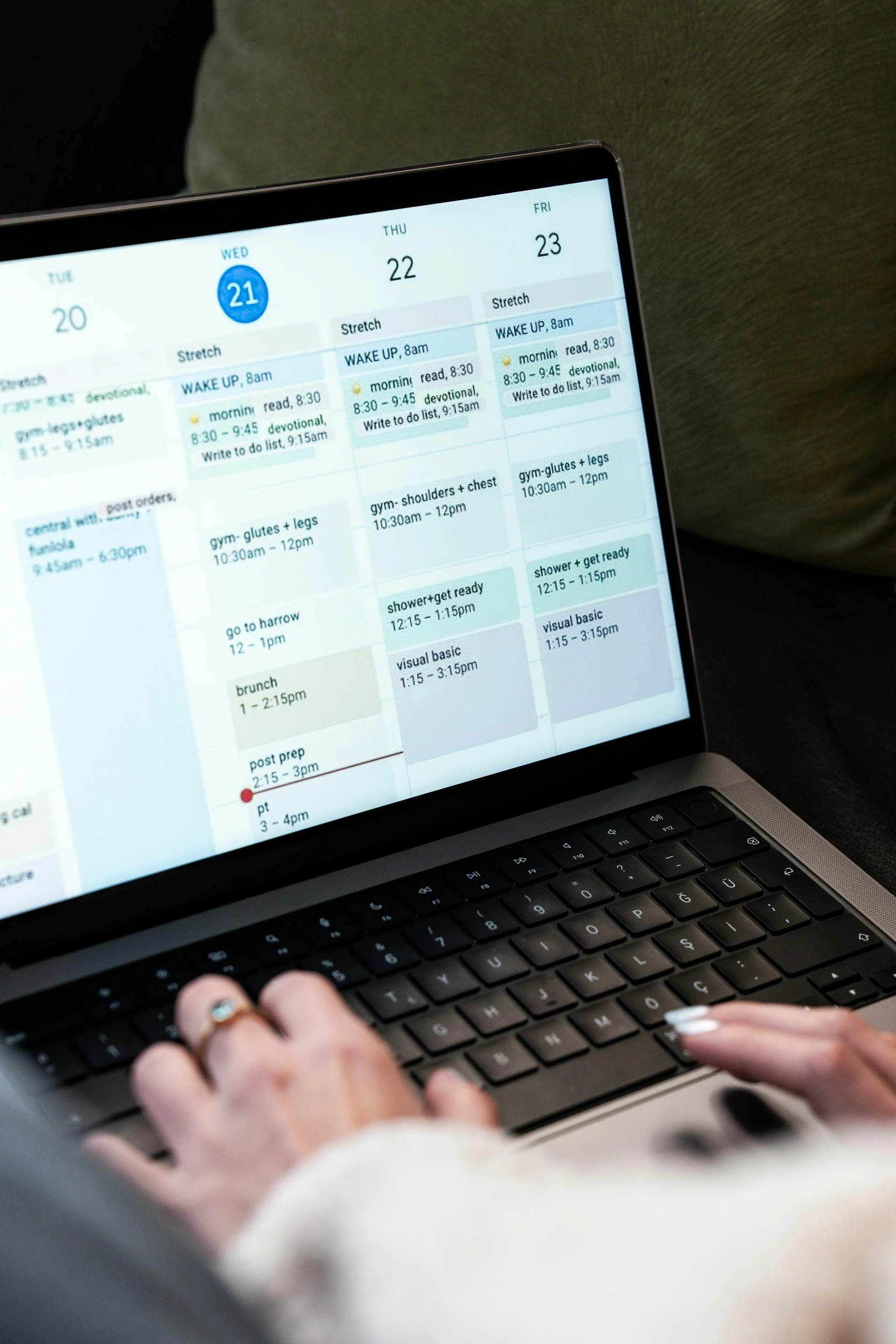
A booking system is not just a calendar.
It needs rules.
At minimum, your app should handle:
- Preventing double bookings
- Time zones
- Opening hours
- Minimum booking duration
- Booking increments
- Buffer time between bookings
- Cancellation rules
- No-show status
- Admin overrides
- Member plan limits
- Room capacity
- Resource availability
For meeting rooms, you also need to decide whether members book by time, credits, money, or included membership allowance.
For hot desks, the problem is different. You may not need to assign a specific desk. You may only need to track daily capacity. If your space has 40 hot desk seats, the app should know when 40 bookings exist for the same day.
For a deeper example, see this guide on managing hot desk bookings.
If you plan to support meeting rooms, look carefully at room credits, availability, and conflict prevention. A proper room booking system usually needs more than a simple calendar UI.
Payment logic is where the risk increases
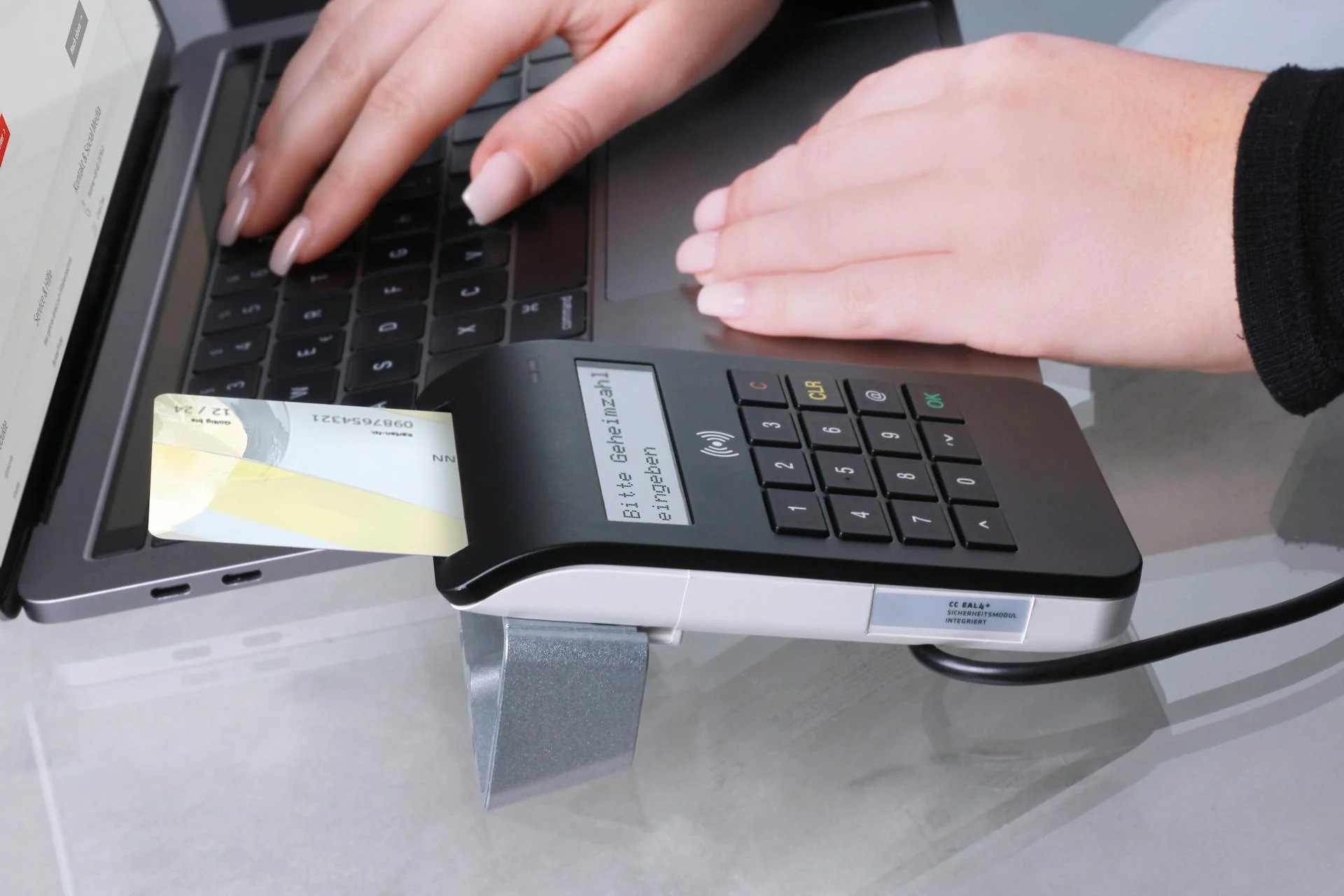
Manual payment tracking is safe enough for an internal tool.
For example:
- Member paid cash
- Staff marks payment as paid
- Staff activates membership manually
- Member gets a receipt manually or from another system
Automatic payments are different.
Once you connect Stripe, PayPal, or another payment provider, the app needs to handle:
- Payment started
- Payment succeeded
- Payment failed
- Payment pending
- Payment refunded
- Chargebacks
- Duplicate webhook events
- Delayed payment confirmation
- Member activation after payment
- Membership cancellation
- Failed renewals
- Taxes
- Invoice numbers
- Discounts
- Currency handling
This is where many AI-built apps become fragile.
The danger is not only "the payment failed." The bigger danger is mismatched state.
Examples:
- The member paid, but the membership did not activate.
- The payment failed, but the membership became active.
- A refund happened, but access stayed active.
- A webhook was sent twice, so the member got double credits.
- A recurring payment failed, but the system did not notify staff.
If your app accepts payments, you need a proper payment state machine. You also need logs so staff can understand what happened.
This is why production coworking systems usually treat payments as a core workflow, not a small add-on.
Door access is even more sensitive
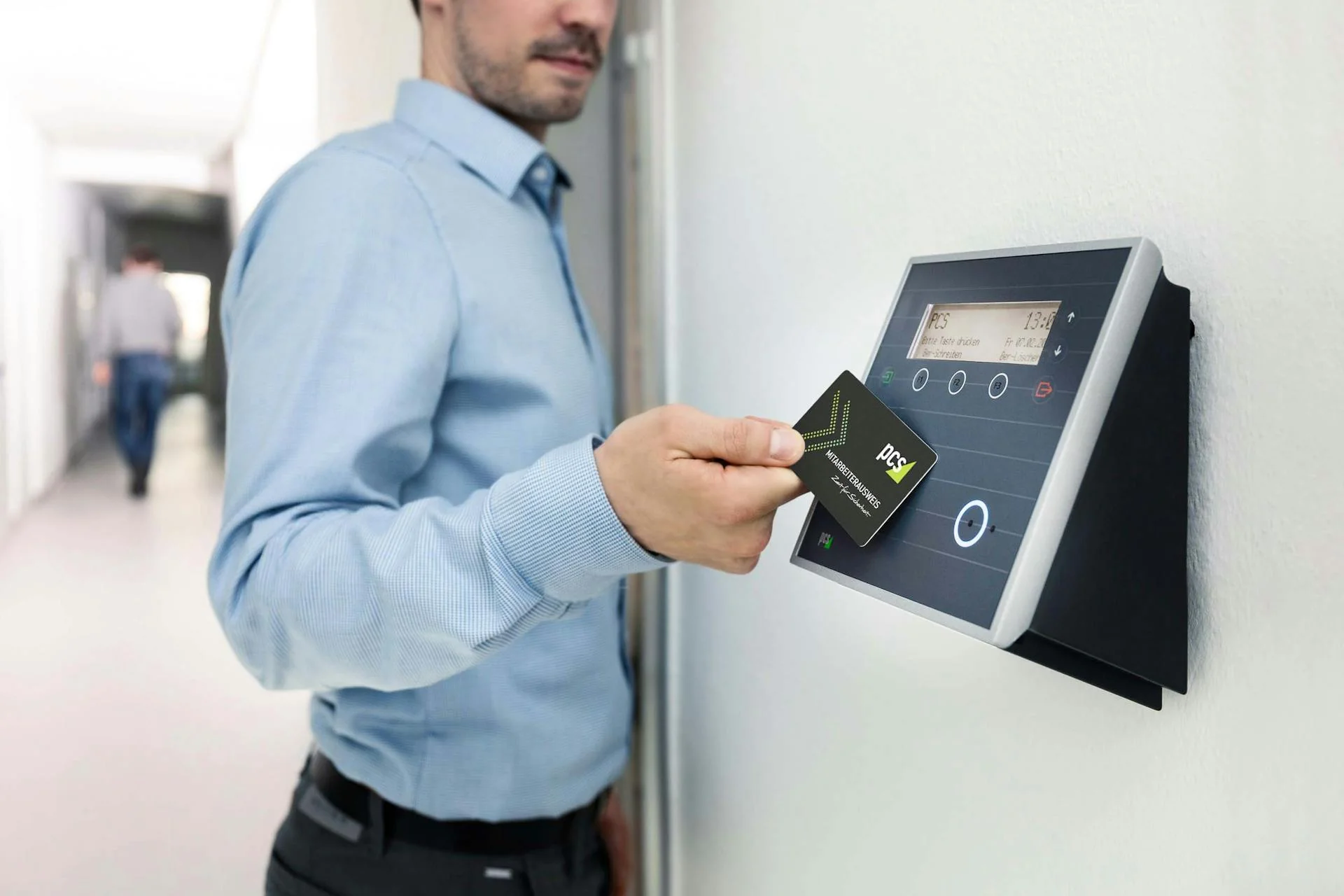
Door access is not just software. It controls a physical space.
If your app connects to locks, PIN codes, cards, WiFi, or turnstiles, bugs can create real operational problems.
Bad outcomes include:
- Paying members cannot enter.
- Expired members can still enter.
- A cancelled member keeps their PIN code.
- A visitor code works too long.
- Staff cannot override access in an emergency.
- Logs are missing after an incident.
- The internet goes down and the door workflow fails.
A serious access system needs:
- Time-based access
- Membership-based permissions
- Zone-based access
- Guest access
- Expiration rules
- Emergency override
- Audit logs
- Offline fallback
- Staff alerts
- Manual override process
If you are only building a prototype, do not connect real doors.
Instead, create a fake access log table first. Simulate what would happen when a member becomes active, expires, freezes, or cancels.
Only connect real access control after the membership lifecycle is reliable.
For a production reference, look at how access control needs to sync with membership status, guest access, and access logs.
Security checklist before using the app with real members
AI builders are useful, but a working demo is not the same as a secure production app.
Before storing real member data, check:
- Are users required to log in?
- Are passwords or magic links handled by a trusted auth system?
- Can staff see only what they should see?
- Can members access other members' data?
- Are database permissions locked down?
- Are API keys hidden from the frontend?
- Is private data protected by server-side rules?
- Is there an audit log for sensitive actions?
- Are deleted records actually deleted or only hidden?
- Are backups enabled?
- Can you export your data?
- Can you recover from a bad update?
For web app security, use the OWASP Top 10 as a basic reference. Pay special attention to broken access control, because coworking apps often have admins, staff, members, guests, and sometimes multiple locations.
For Supabase projects, do not skip Row Level Security. Without proper policies, users may access data they should not see.
Test these real coworking scenarios
Before using the app in daily operations, test real scenarios. Do not only test the happy path.
Member lifecycle tests
- Create a new member.
- Assign a plan.
- Change the plan.
- Freeze the plan.
- Expire the plan.
- Reactivate the member.
- Delete or archive the member.
Booking tests
- Book a room.
- Try to double-book the same room.
- Cancel a booking.
- Create a no-show.
- Book outside opening hours.
- Book with an expired member.
- Book with a frozen member.
- Book with staff override.
Payment tests
- Mark manual payment as paid.
- Mark payment as pending.
- Refund a payment.
- Activate membership after payment.
- Remove access after refund.
- Export payments.
Staff permission tests
- Staff can create bookings.
- Staff cannot change owner settings.
- Staff cannot delete financial records.
- Staff cannot invite other staff unless allowed.
Access tests
- Active member gets access.
- Expired member loses access.
- Frozen member loses access.
- Visitor code expires.
- Staff can override in an emergency.
If your app fails these tests, it may still be useful as an internal tracker. It is not ready to run critical operations.
What is safe to build yourself?
Some coworking tools are good candidates for AI builders.
Good DIY candidates:
- Internal member tracker
- Lead CRM
- Staff task tracker
- Maintenance issue tracker
- Event registration form
- Manual check-in dashboard
- Simple booking prototype
- Basic reporting dashboard
- Member feedback form
These tools help your team work better, but they do not directly control money or physical access.
Be careful with:
- Member portals
- Online payments
- Recurring billing
- Invoices
- Tax calculations
- Room credit logic
- Door access
- Multi-location permissions
- Public booking pages
Usually not worth custom-building from scratch:
- Payment retries
- Subscription lifecycle
- Access control sync
- Tax invoice logic
- Complex credit systems
- Full accounting workflows
- Production-grade member app
You can still prototype these features. Just do not assume the prototype is ready for real operations.
Build vs buy checklist
Use this checklist to decide what to build yourself and what to use existing software for.
| Feature | Build yourself? | Why |
|---|---|---|
| Lead tracking | Yes | Low risk and easy to customize |
| Internal member notes | Yes | Useful and simple |
| Manual check-ins | Yes | Good staff tool |
| Staff task management | Yes | Not mission-critical |
| Simple room booking prototype | Maybe | Fine for testing workflows |
| Public room booking | Be careful | Conflicts and payments matter |
| Hot desk capacity | Maybe | Simple if rules are basic |
| Recurring memberships | Risky | Many edge cases |
| Online payments | Risky | Webhooks, refunds, failed payments |
| Invoices and taxes | Risky | Local compliance matters |
| Door access | Very risky | Controls physical entry |
| Multi-location permissions | Hard | Data separation matters |
A good rule:
If a bug only creates extra admin work, building it yourself may be fine.
If a bug affects money, access, legal records, or private data, be much more careful.
Suggested build plan
Here is a practical path.
Phase 1: Internal admin app
Build:
- Members
- Plans
- Resources
- Manual bookings
- Manual check-ins
- Basic reports
Do not build:
- Payments
- Door access
- Member portal
Goal: understand your workflow.
Phase 2: Staff workflow app
Add:
- Staff roles
- Activity logs
- Booking conflict rules
- Exports
- Member status history
- Better dashboard
Goal: make the app reliable for staff.
Phase 3: Member-facing prototype
Add carefully:
- Member login
- Member profile
- View own bookings
- Request a booking
- Email confirmation
Do not let members pay or unlock doors yet.
Goal: test member experience.
Phase 4: Critical systems decision
At this point, decide what should stay custom and what should move to proper coworking software.
Compare your prototype with existing systems that already handle member management, bookings, payments, access control, reports, staff roles, and member apps.
A general coworking management software feature list is useful here because it shows how many workflows are involved once the app becomes operational infrastructure.
You can also compare pricing against the real cost of building and maintaining your own system. A custom app is not free if you need to fix bugs, maintain integrations, recover data, and train staff. See Easy Space pricing as a reference point.
Extra AI prompts for building specific modules
Prompt for member management
Improve the member management module.

Each member should have:
- Profile details
- Membership status
- Current plan
- Start date and end date
- Internal staff notes
- Recent bookings
- Recent check-ins
- Payment history placeholder

Add filters for active, expired, frozen, and banned members.
Add search by name, email, and phone.
Add a member detail page with tabs.
Prompt for room booking rules
Improve the booking system.

Rules:
- Prevent overlapping bookings for the same resource
- Allow staff to override conflicts only if they confirm
- Show clear error messages
- Support minimum booking duration
- Support booking increments of 15, 30, or 60 minutes
- Prevent bookings outside opening hours
- Prevent expired or frozen members from booking
- Allow staff to cancel bookings and add a cancellation reason
Prompt for staff permissions
Add role-based permissions.

Roles:
- Owner: full access
- Manager: can manage members, bookings, plans, reports, and staff operations
- Staff: can manage check-ins, members, and bookings only

Staff cannot:
- Delete payment records
- Change app settings
- Invite staff
- Export all member data
- Change billing settings

Show or hide navigation items based on role.
Prompt for audit logs
Add an audit log system.

Track these actions:
- Member created
- Member status changed
- Plan assigned
- Booking created
- Booking cancelled
- Payment marked paid
- Payment refunded
- Staff user invited
- Settings changed

Each audit log should include:
- Action type
- User who performed the action
- Target record
- Timestamp
- Before and after values when useful
Common mistakes when building your own coworking app
Mistake 1: Starting with the member portal
A public member portal looks nice, but it adds authentication, permissions, mobile UX, booking rules, and support requests.
Start with the admin side first.
Mistake 2: Adding payments too early
A payment button is easy. A reliable payment workflow is not.
Do not connect payments until your member status, plans, and booking logic are stable.
Mistake 3: Treating access control like a simple integration
Door access needs operational fallback.
Staff need to know what to do if the integration fails, the internet drops, or the member is incorrectly blocked.
Mistake 4: No audit logs
When something goes wrong, staff need to answer:
- Who changed this?
- When did it change?
- Was it automatic or manual?
- What was the previous value?
Without logs, debugging becomes guessing.
Mistake 5: No data export
Your data is your business.
Always make sure you can export:
- Members
- Plans
- Bookings
- Payments
- Check-ins
- Staff activity
Mistake 6: Not testing real edge cases
A demo with three fake members tells you almost nothing.
Test expired members, refunds, cancellations, no-shows, duplicate bookings, staff overrides, and failed payments.
Final recommendation
Building your own coworking management app with AI tools is possible.
It can be a useful way to understand your operations, test workflows, and create small internal tools without waiting for a developer.
But do not confuse a prototype with production infrastructure.
A good path is:
- Build an internal tool first.
- Keep payments and door access out of version one.
- Test real operational edge cases.
- Add member-facing features slowly.
- Use existing software for workflows where mistakes are expensive.
For a coworking space, the question is not only "Can I build this?"
The better question is:
What happens if it breaks on Monday morning?
If the answer is "staff need to fix a spreadsheet," you can probably build it yourself.
If the answer is "members cannot enter, payments are wrong, invoices are wrong, or private data is exposed," use a more reliable system.
Related reading
- How to manage hot desk bookings
- Workspace management best practices
- Coworking member management
- Room booking software for coworking spaces
- Payments for coworking spaces
- Access control for coworking spaces
Photo credits
Article images are from stock libraries (see each service for license terms): Modern office — Unsplash, Code on laptop — Pexels, Analytics on laptop — Unsplash, Schedule on laptop — Pexels, Card terminal — Pexels, Access card at reader — Pexels.
FAQ
Next steps
If you are past the prototype stage and need bookings, memberships, payments, and access to stay in sync without spreadsheet glue, explore Easy Space features and compare plans and pricing for your space.